

Run loyalty across your whole business — not just one counter
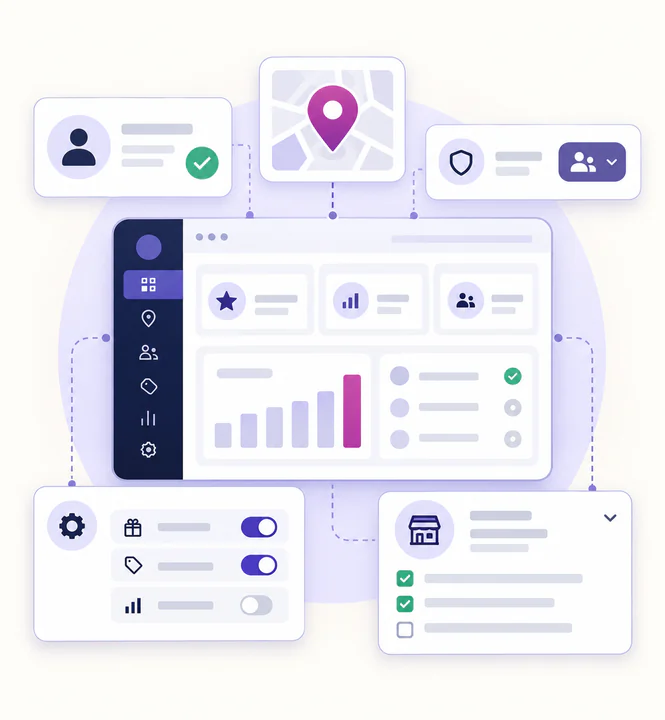
Manage staff, locations and loyalty activity from one central dashboard — whether you run one store or many.
-
Add staff without sharing login details
-
Track activity across multiple locations
-
Keep control as your business grows
Built for teams and growing businesses
Everything you need to run loyalty across multiple staff and locations
Staff access without risk
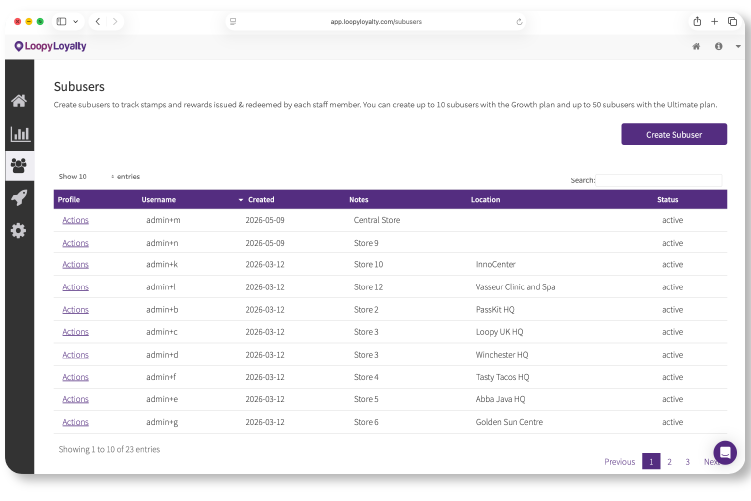
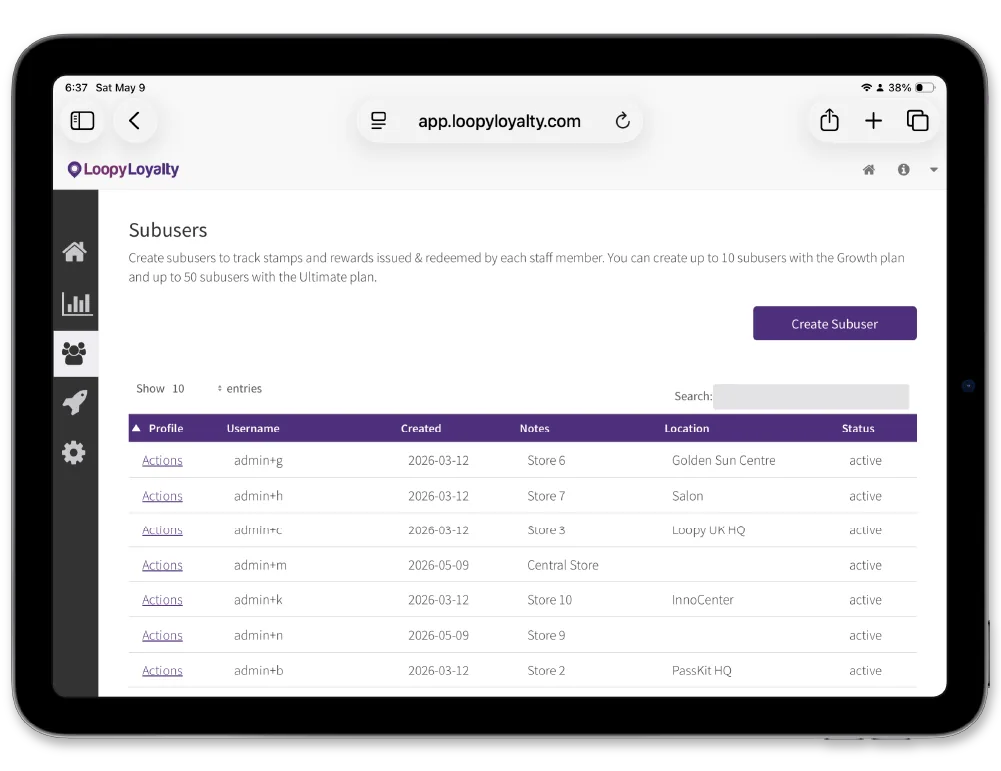
Create sub-users for your team so they can issue stamps and rewards using the Stamper app — without access to your dashboard or billing
Multi-location ready
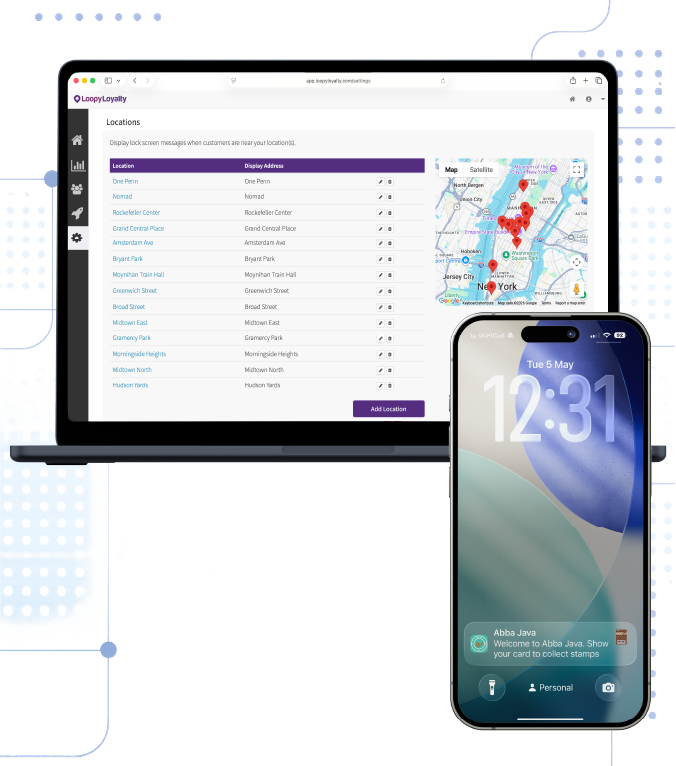
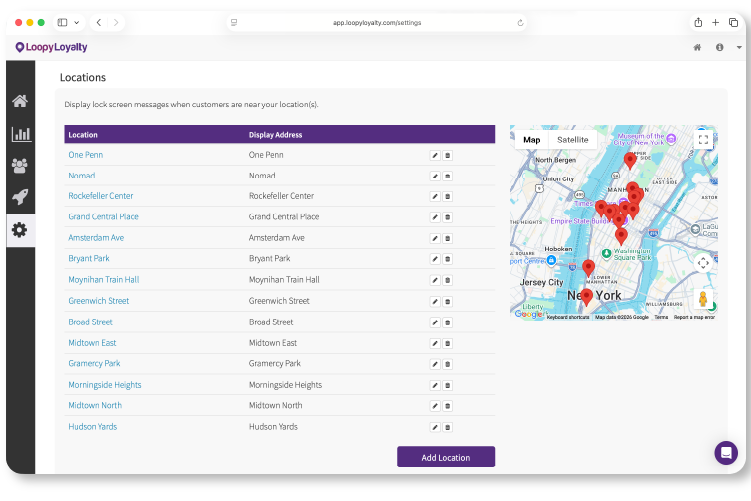
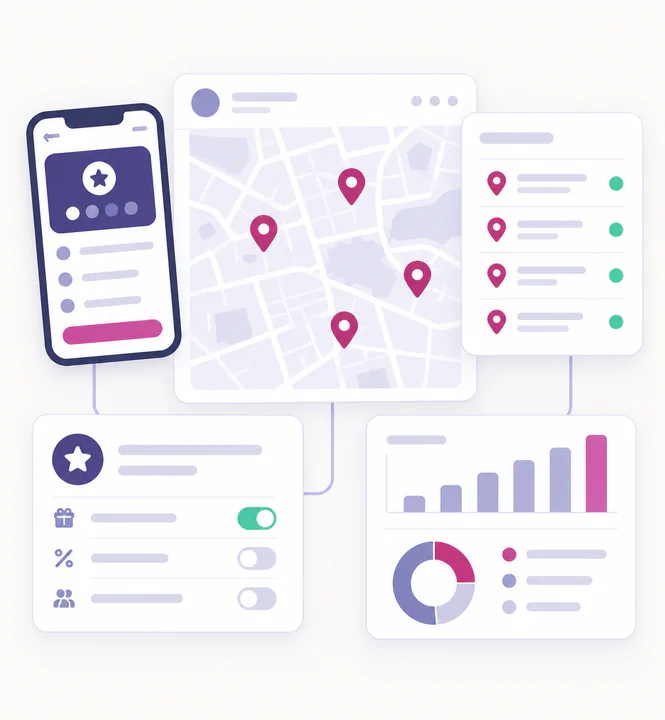
Add locations to your loyalty card so customers know where their card can be used — and so activity can be tracked across sites
Centralised control
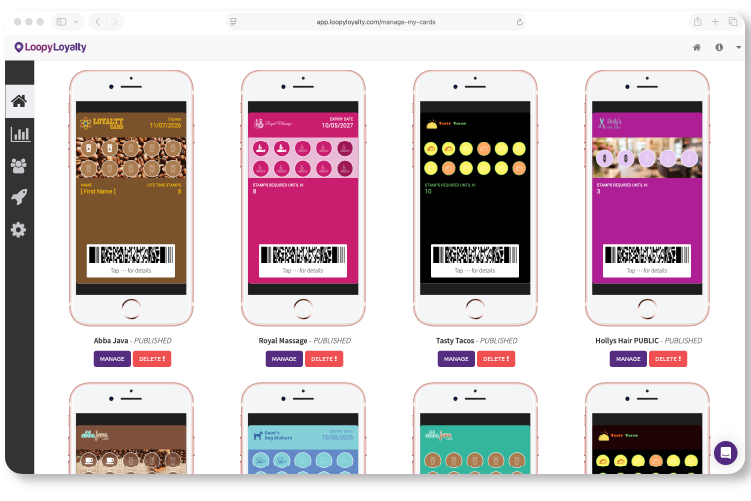
All campaigns, customers and transactions stay managed from one account, no matter how many people or locations are involved
Give your team the tools they need
Every staff member uses the Loopy Loyalty Stamper app to scan cards, issue stamps and redeem rewards in seconds.
Sub-users keep things simple and secure
-
Staff log in to the Stamper app only
-
No access to customer lists or dashboard settings
-
Every action is logged and traceable
-
Perfect for shared or staff-only devices
One loyalty program, multiple locations
If your business operates across multiple sites, Loopy Loyalty makes it easy to manage loyalty consistently
Designed for multi-location businesses
-
Add multiple locations to a single loyalty program
-
Display store locations on the back of the card
-
Track usage across different sites
-
Ideal for cafés, chains, franchises and events
Engage customers when they are nearby
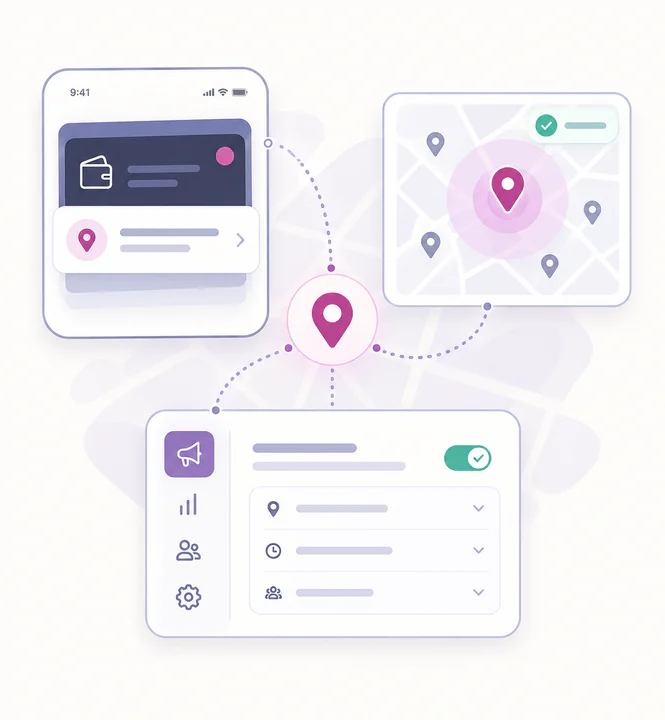
Trigger location-based messages that appear automatically when customers are near one of your locations.
Passive messages, perfect timing
-
Messages appear when customers are nearby
-
No manual sending required
-
Works with Apple Wallet installed cards
-
Great for reminders, walk-ins and repeat visits
Add staff
Create sub-users so your team can stamp cards using the Stamper app.
Add locations
Define where your loyalty card can be used and displayed.
Stay in control
Monitor activity, performance and usage across your entire business.
Questions & Answers
Quick answers to common questions about the users and locations
1. What are sub-users?
Sub-users are team members who can issue stamps and redeem rewards using the Loopy Loyalty Stamper app.
2. Can sub-users access the web dashboard?
No. Only the primary account holder can access the Loopy Loyalty web dashboard. Sub-users can only use the Stamper app.
3. Can I use one account across multiple locations?
Yes. You can add multiple locations to a single loyalty program and use the same account across all of them.
4. Can I see which location issued stamps or rewards?
Yes. Transactions include timestamps and user details, and can optionally include GPS location data from the Stamper app.
5. How do location-based messages work across locations?
Each location can have its own lock-screen message that appears automatically when customers are nearby.
6. Can I control or remove access for staff?
Yes. You can add or remove sub-users at any time from your dashboard, instantly controlling who can issue stamps.
Have any questions? Get in Touch