

Customer enrollment made simple
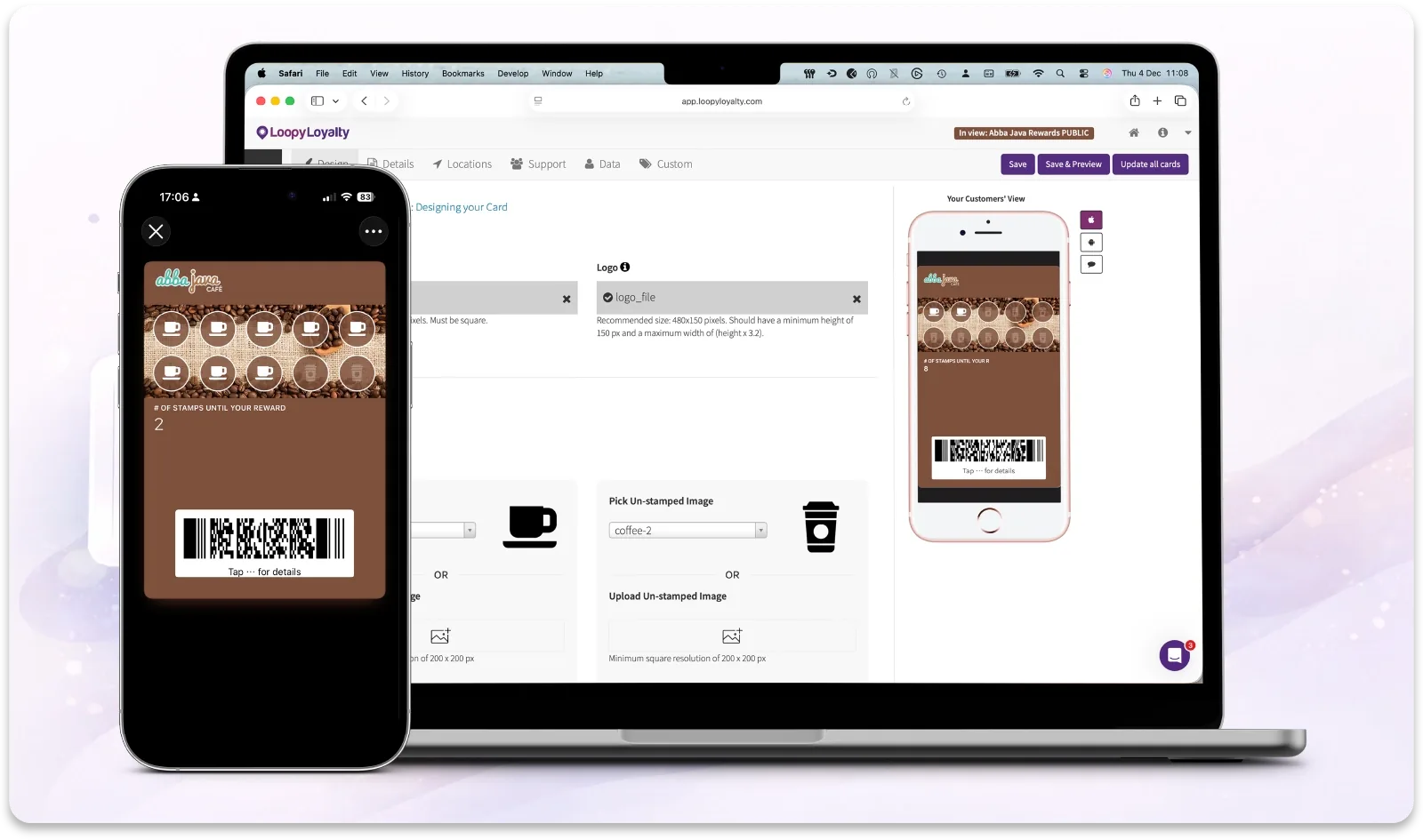
Loopy Loyalty automatically creates a signup page you can share anywhere — online, in-store, or via QR code
-
Share a single signup link
-
Generate QR codes automatically
-
Collect only the data you choose
Everything in One Place
Simple tools to help customers join your loyalty program fast
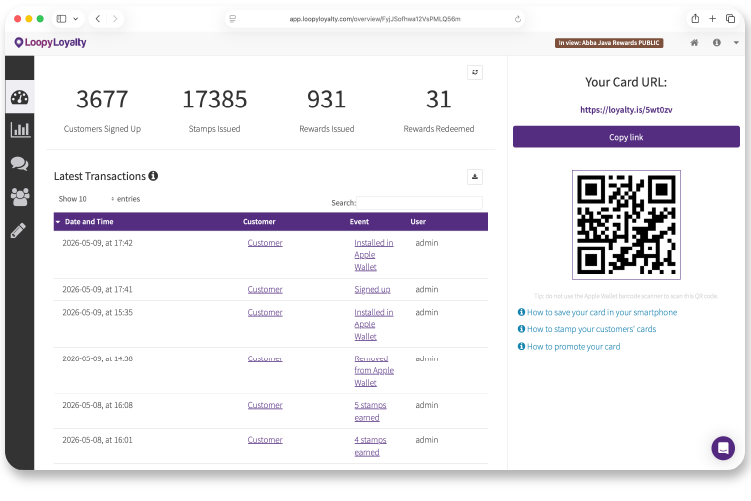
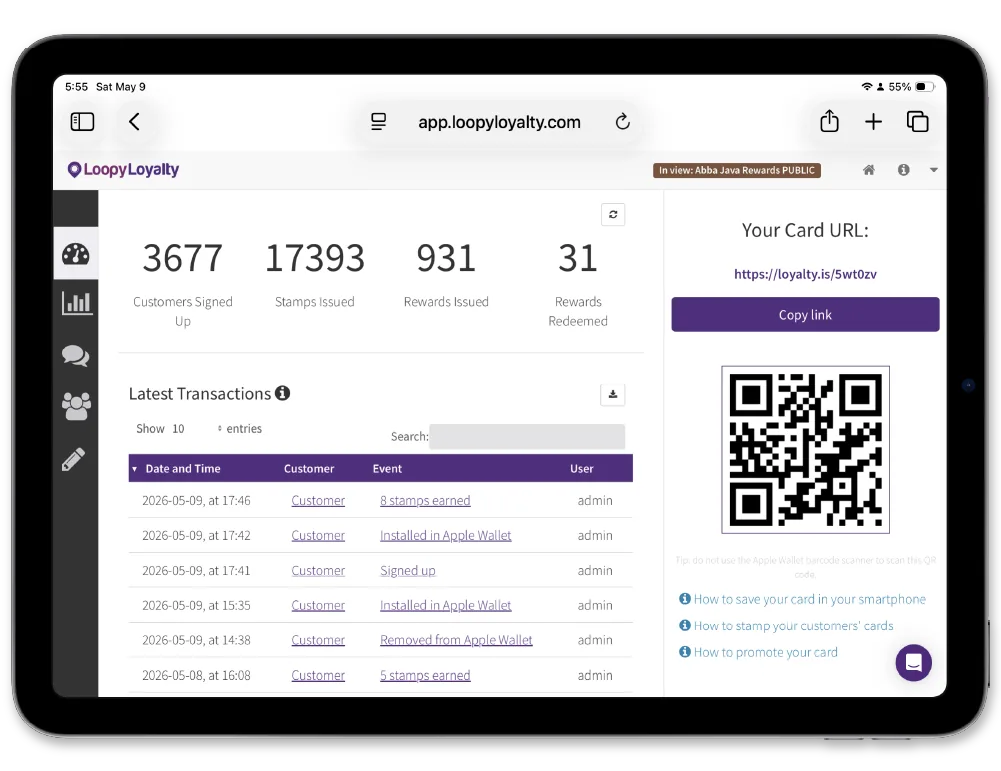
Shareable signup link
One URL customers can open on any device to join instantly
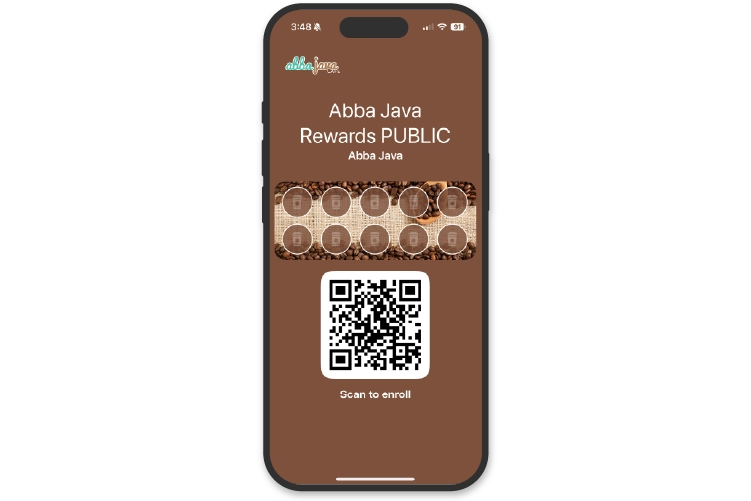
QR codes built in
Generate QR codes for in-store, print and digital use
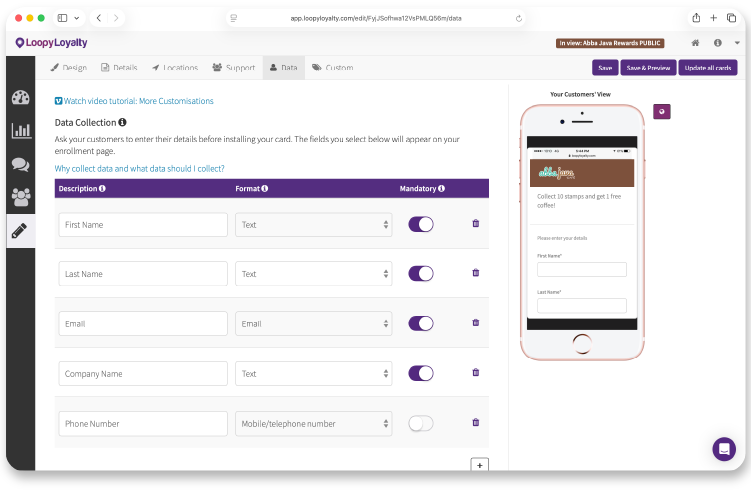
Flexible data capture
Choose what information customers provide during signup.
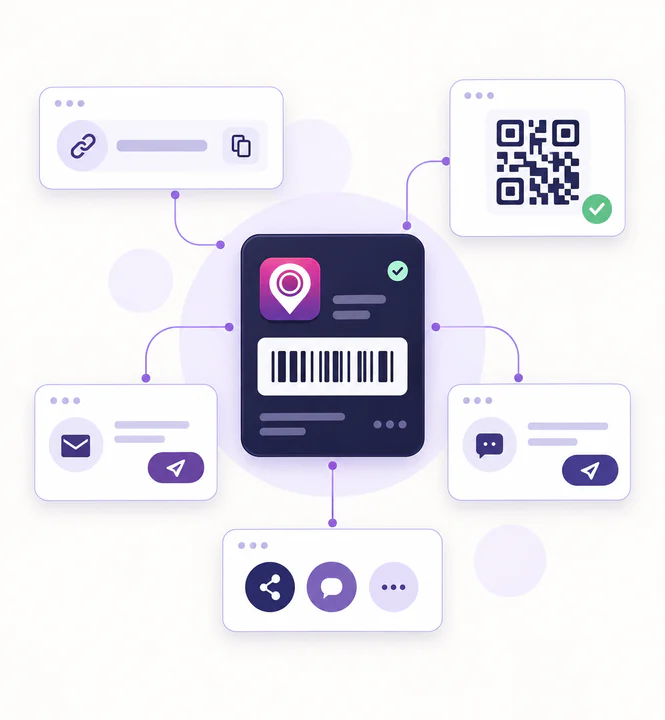
Share your card URL anywhere
Every loyalty program includes a unique signup link you can share across all your marketing channels.
One signup link for every channel
-
Email campaigns and newsletters
-
Social media posts and ads
-
Your website, pop-ups or banners
-
Direct messages and SMS
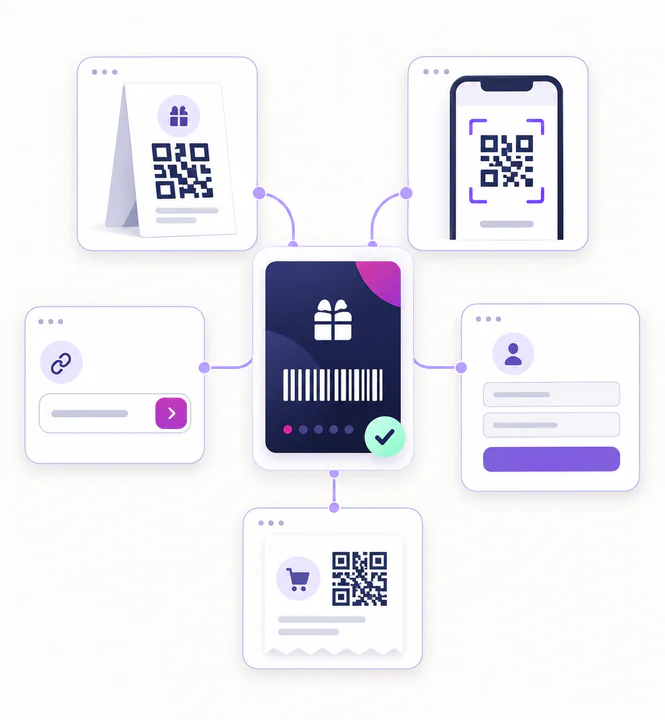
Let customers join with a quick scan
QR codes remove friction at the point of purchase, letting customers join instantly while they're already engaged
Designed for in-store moments
-
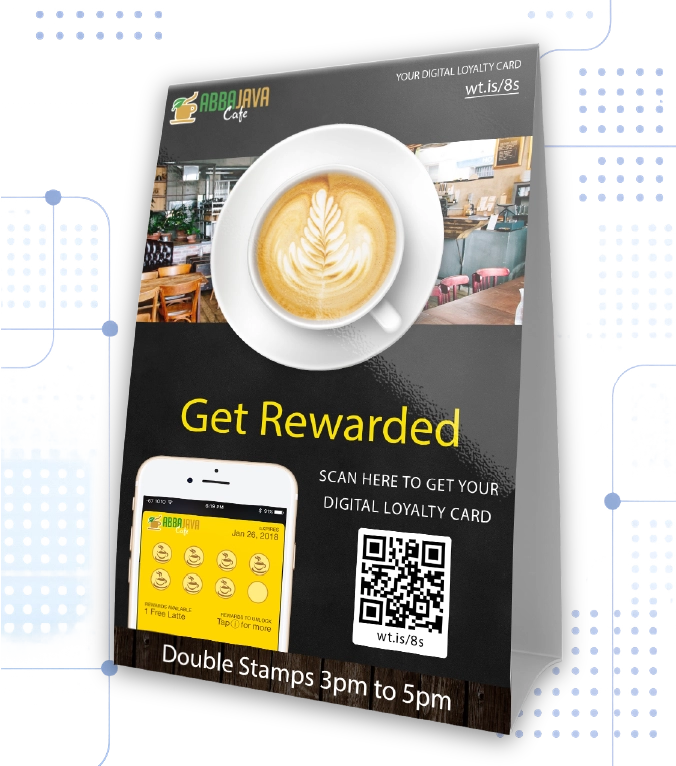
POS tent cards
-
Posters and signage
-
Receipts and packaging
-
Business cards
-
Generate QR codes in the iOS Stamper app
Share
Share your signup link or QR code online or in-store
Join
Customers enter the details you've chosen and save their card
Start stamping
The card is ready to use instantly — no app download required
Questions & Answers
Quick answers to common questions about Customer Enrollment
1. Do customers need to download an app?
No. Customers join via a web link and save their card to their wallet.
2. Can I choose what information customers provide?
Yes. You control which fields are shown during signup.
3. Does the signup page work on all devices?
Yes. It works on mobile, tablet and desktop.
4. Can I use both a link and a QR code?
Yes. Both point to the same signup page.
5. What if a customer loses their card?
Customers can restore their card using the original signup link.
6. Where can I find help setting this up?
Every screen includes live chat support and help articles.
Have any questions? Get in Touch